Before Any AI Touches Your Database: Count What It Cannot See

Your database probably holds more than the records you think it does. Some of those records are stale, some are duplicates, and some are marked "active" for reasons nobody remembers. Before you connect a database to SI, Skopx's name for its AI, the most useful question you can ask is not what the assistant can do with your data. It is what the assistant will never see, and why.
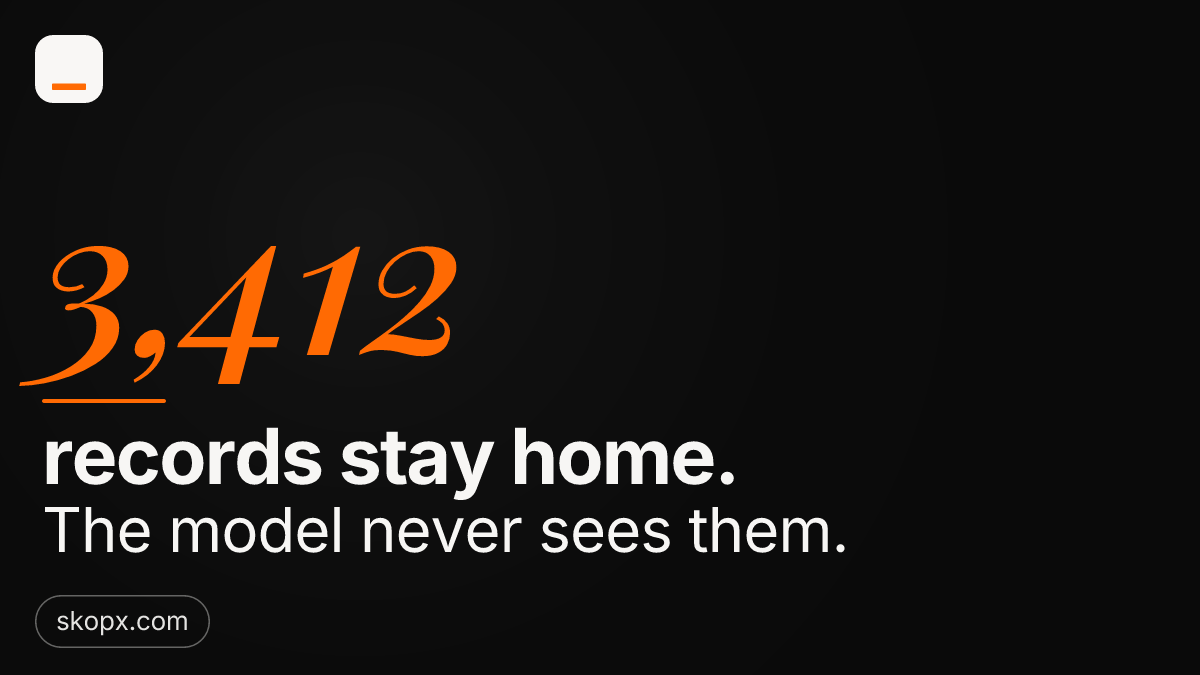
Start with a number. In one recent review of a connected workspace, 3,412 records were excluded from what the model could read. They were not hidden by accident. They were filtered out by rules the team had already set: archived accounts, test entries, rows flagged as private, and records belonging to a region the current user cannot access. If you are hesitant about connecting a database, that exclusion count is the place to begin. It tells you whether the boundaries you believe exist are the ones the system actually enforces.
Read the boundary before the answer
Most people evaluate an AI tool by its answers. A better habit is to evaluate it by its inputs. Ask which tables the model can read, which columns are masked, and which records are filtered before the model ever receives them. If the answer is vague, the answer to your question will also be vague, because the model is working from whatever slice it was handed.
This matters most when the data is messy. A customer record might have a status field that says "closed" while a related invoice table says the work is still open. An assistant reading only the status field will confidently report the wrong thing. Knowing what was excluded, and what was included, is how you judge whether a confident answer deserves trust.
Check which sources are read only
The second check is simpler and more important: confirm which connections are read only. A read-only source lets SI answer questions, summarize, and find patterns, but it cannot change a row. Before you grant anything more, identify every source and label it. Reporting databases, copies of production data, and exported spreadsheets are usually safe to read. The production system that stores live orders or payments deserves more caution, and in many setups it should remain read only for the assistant entirely.
Write the list down. For each source, note whether SI can read it, whether it can write to it, and who approved that setting. This takes twenty minutes and removes most of the anxiety. When someone later asks why the assistant said something about a customer, you can trace the answer back to a specific source with a known permission level.
A practical order of operations
Work through the connection in this sequence:
- List every database and file the assistant might touch.
- Mark each one read only or read and write, and default to read only.
- Count the excluded records in each source and confirm the number matches your expectation.
- Spot-check ten records that should be excluded and ten that should be included.
- Only then ask your first real question.
The count in step three is the one people skip, and it is the one that catches problems. If you expected 200 archived accounts to be excluded and the system excluded 2,000, something in your filters is wrong. If it excluded none, something is leaking that should not be visible at all.
Hesitation is a useful signal
Feeling hesitant about connecting a database is not a failure of nerve. It usually means you have noticed a boundary you have not yet verified. Treat that feeling as a checklist rather than a verdict. Once you can state what the model reads, what it cannot read, and which sources can never be changed by it, the decision becomes ordinary.
The records that never reach the model are part of the answer, not a footnote to it. Start there, confirm the permissions, and then let the assistant work inside a boundary you can actually describe.