Top 6 karax.ai Alternatives for Enhanced Solutions 2026
Managing AI agent workspaces that cannot link live data, automate cross-app actions, or show true usage costs slows teams down. Many platforms require toggling between interfaces, limit advanced features to higher paid tiers, or hide AI usage fees with bundled billing. This list compares top alternatives so teams can choose the right workspace for automation, cost transparency, and operational speed in 2026.
Table of Contents
Skopx
At a Glance
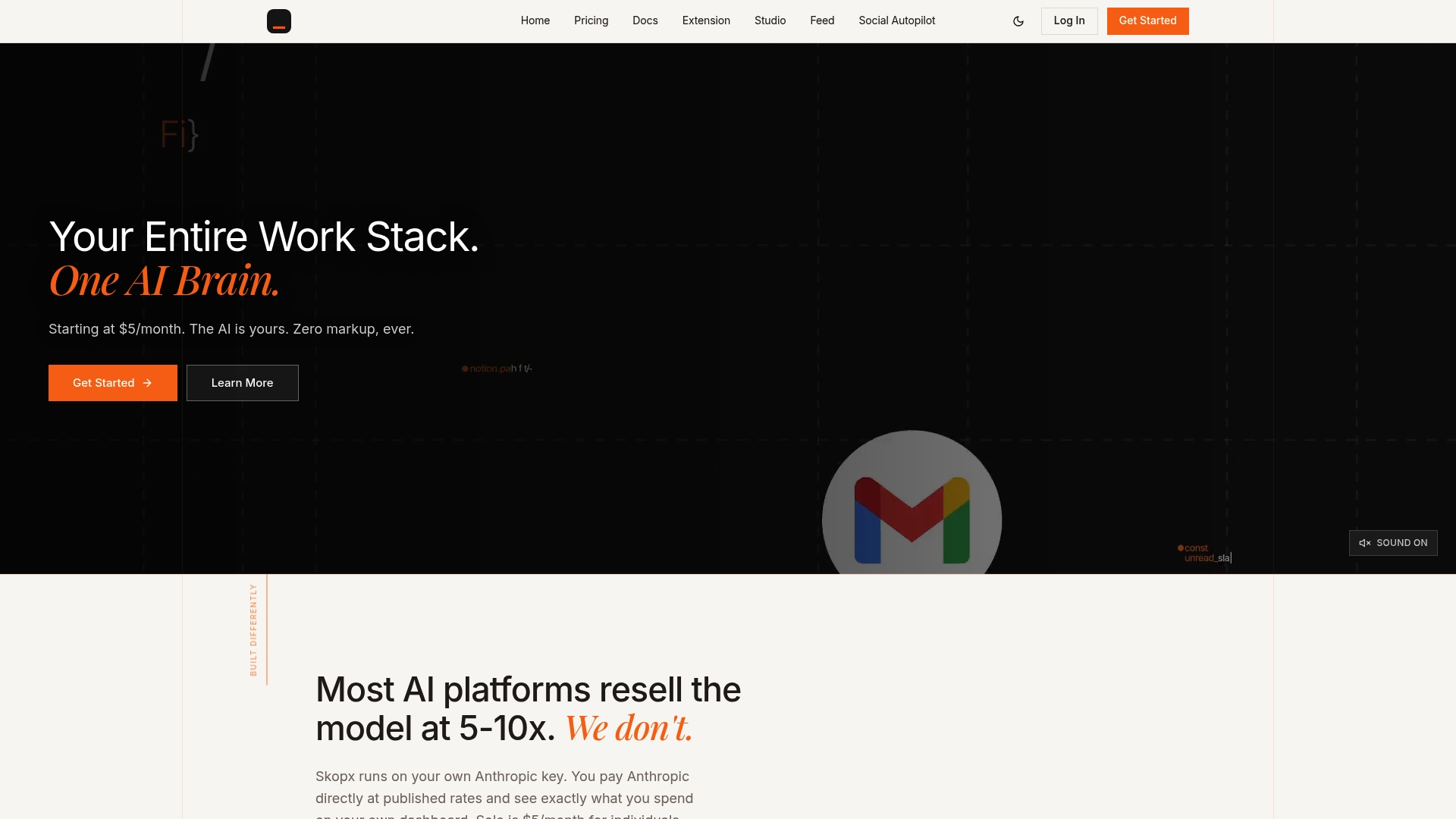
nearly 1,000 live integrations connect Gmail, Slack, Jira, Salesforce, and others to a single conversational interface. The platform accepts plain English questions and executes actions across tools without requiring SQL or dashboards. Skopx also advertises cost control: Team plans include 2.3 million AI tokens per seat monthly, with the option to bring your own API keys as overflow at zero markup, which keeps AI usage billing visible to the buyer.
Core Features
Skopx let's teams query combined data with Plain English queries and receive automated briefs and alerts. It links multiple SaaS systems to run cross-tool workflows that can send emails, update tickets, and populate documentation. The system monitors data anomalies and surfaces source-backed insights while letting organizations use their own API keys for usage billing.
Key Differentiator
The main practical advantage is full cost transparency via bring-your-own-key billing, which removes vendor markup on AI calls. That model pairs with proactive, source-backed intelligence that flags anomalies and trends across connected tools. The result is a single interface for analysis, operational actions, and routine reporting with minimal setup.
Pros
Skopx keeps AI consumption visible with included monthly tokens on Team plans and optional bring-your-own-key overflow at zero markup, which helps control spend. Deep connections to productivity and CRM tools reduce manual data pull and let teams act from one place. Automated daily briefs and anomaly alerts cut the time teams spend chasing status and produce an operational feed you can act on. Setup requires little technical work, so project managers and analysts can onboard without heavy engineering support.
Cons
- Primarily cloud-based, so offline or on-premise deployment options are limited.
Notable Integrations
- Gmail
- Slack
- Jira
- Salesforce
- Notion
- GitHub
- HubSpot
- Zendesk
Who It's For
Skopx fits teams and enterprises that want AI-based insights and automation without complex engineering. Product, operations, and analytics teams that use multiple SaaS tools will get the most value. Organizations that need BYOK billing to control AI costs will find this model particularly relevant.
Unique Value Proposition
Zero-markup billing combined with cross-tool action makes Skopx an economic play for shops worried about hidden AI charges: Team seats include 2.3 million AI tokens per month, and overflow comes from added tokens or your own API key. That pricing model changes how teams budget for AI calls and lets finance reconcile usage against vendor invoices. For teams that run frequent automated reports and cross-app workflows, this reduces surprise spend while keeping control inside the organization.
Real World Use Case
A marketing team connects CRM, email, and analytics to Skopx and gets a concise morning briefing about campaign performance. The platform highlights shifts it detects and triggers follow-up emails for low-performing segments. Routine reporting is automated so analysts spend time interpreting results rather than assembling them.
Pricing
Plans start at $5/month for individual users on their own AI keys and move to $16 per seat for teams, with 2.3 million AI tokens included per seat every month. The vendor offers custom enterprise plans for larger deployments and additional controls. Organizations can add tokens or supply their own API keys as overflow, always with zero markup.
Website: https://skopx.com
Skynet Workspace
At a Glance
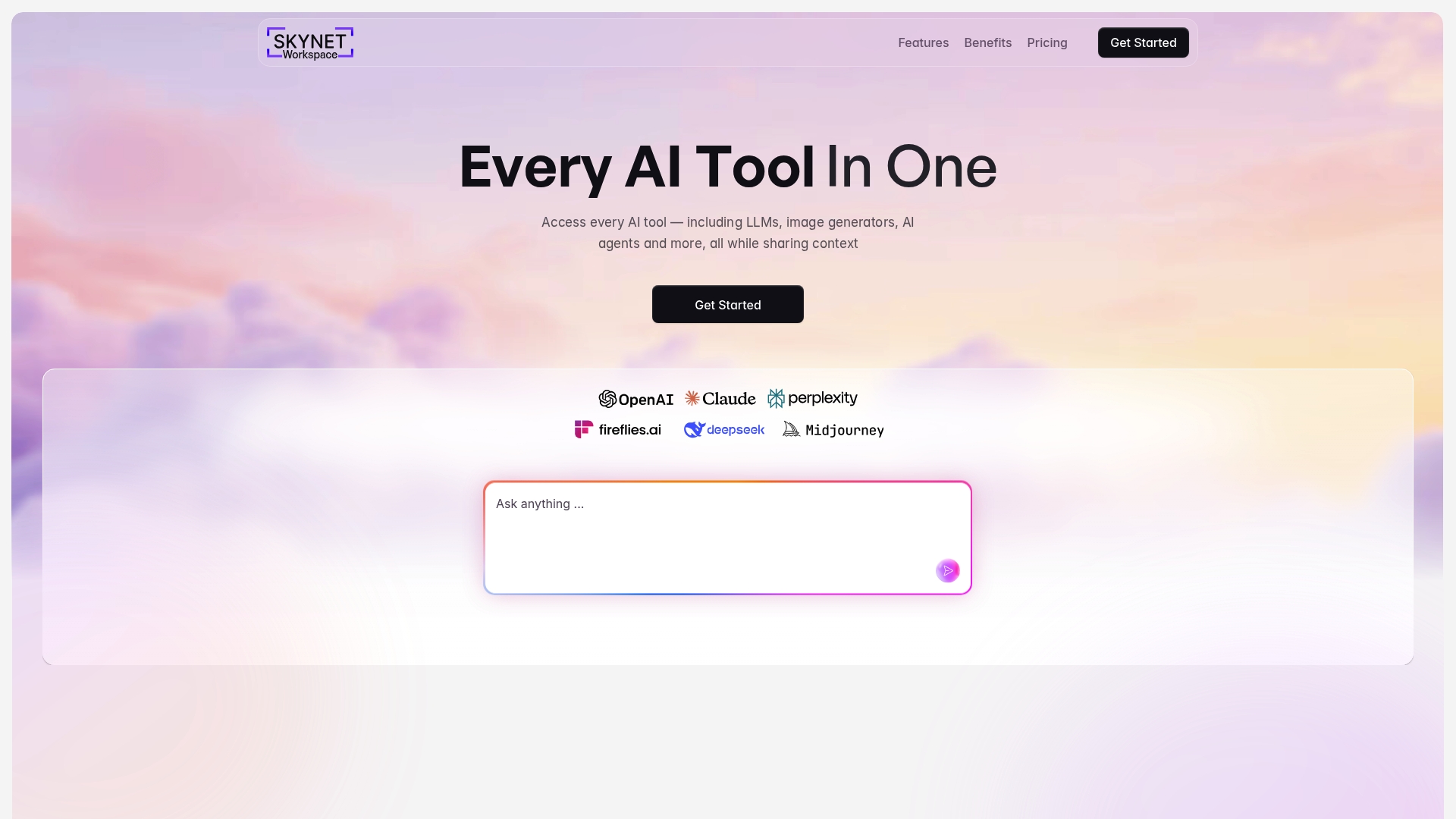
Skynet Workspace reports a single subscription that unlocks access to language models, image and video generators, and autonomous AI agents. The platform emphasizes using your live data to inform responses and automation. That combination aims to reduce the number of separate AI tools teams must manage.
Core Features
Skynet Workspace combines model access, content generators, and agent-based automation inside one account while preserving team-level controls. The system claims context-aware interactions that use your documents and conversations to keep replies relevant. It also includes task prioritization that converts meeting notes, emails, and chats into suggested actions.
Key Differentiator
Skynet Workspace focuses on keeping multiple AI capabilities in a single environment while tapping into real-time data for each request. That design pushes automation beyond canned prompts by letting agents act on up-to-date information. The platform targets workflows where live context matters for task accuracy and follow-up.
Pros
Skynet Workspace groups many AI tools under one subscription, which reduces tool sprawl for teams that juggle separate services. The platform supports broad data connections, and those links make answers more relevant to current projects. Flexible subscription tiers, including a free level and a Pro subscription, let small teams trial features before scaling to custom enterprise agreements. The autonomous agents and task synthesis can cut manual triage and free people to focus on higher value work. Built-in security controls aim to protect data shared with models.
Cons
- Limited documentation on which specific AI models are available and how much model-level customization the platform allows.
- The free plan carries usage and model limits, which may block heavy content generation or extended agent runs.
- The interface bundles many capabilities, and that density creates a learning curve for casual or nontechnical users.
When It May Not Fit
If your team needs explicit model transparency and per-model tuning, Skynet Workspace may not match that requirement. High-volume enterprises that depend on unlimited daily model calls could hit the free and Pro limits during peak workloads. Teams preferring minimal onboarding and a very small feature set may find the platform's scope too large.
Who It's For
Skynet Workspace fits tech-savvy professionals, product teams, and small to mid-sized businesses that want a single place to run AI tasks and automation. It suits teams that already centralize documents and conversations and want agents to convert that context into actions. It also works for marketing groups that plan repeated content cycles.
Real World Use Case
A marketing team uses Skynet Workspace to generate campaign drafts, turn meeting notes into prioritized tasks, and let agents handle scheduling and basic campaign checks. The team reports faster content iteration because the agents reuse up-to-date project files. That workflow reduces repeated back-and-forth on small status items.
Pricing
Skynet Workspace publishes a free tier, a Pro subscription, and custom enterprise pricing for larger deployments. The Pro subscription adds higher usage limits and more features than the free level. Enterprise pricing is negotiated and depends on scale and integration needs.
Website: https://skynet.io
ElseifAI
At a Glance
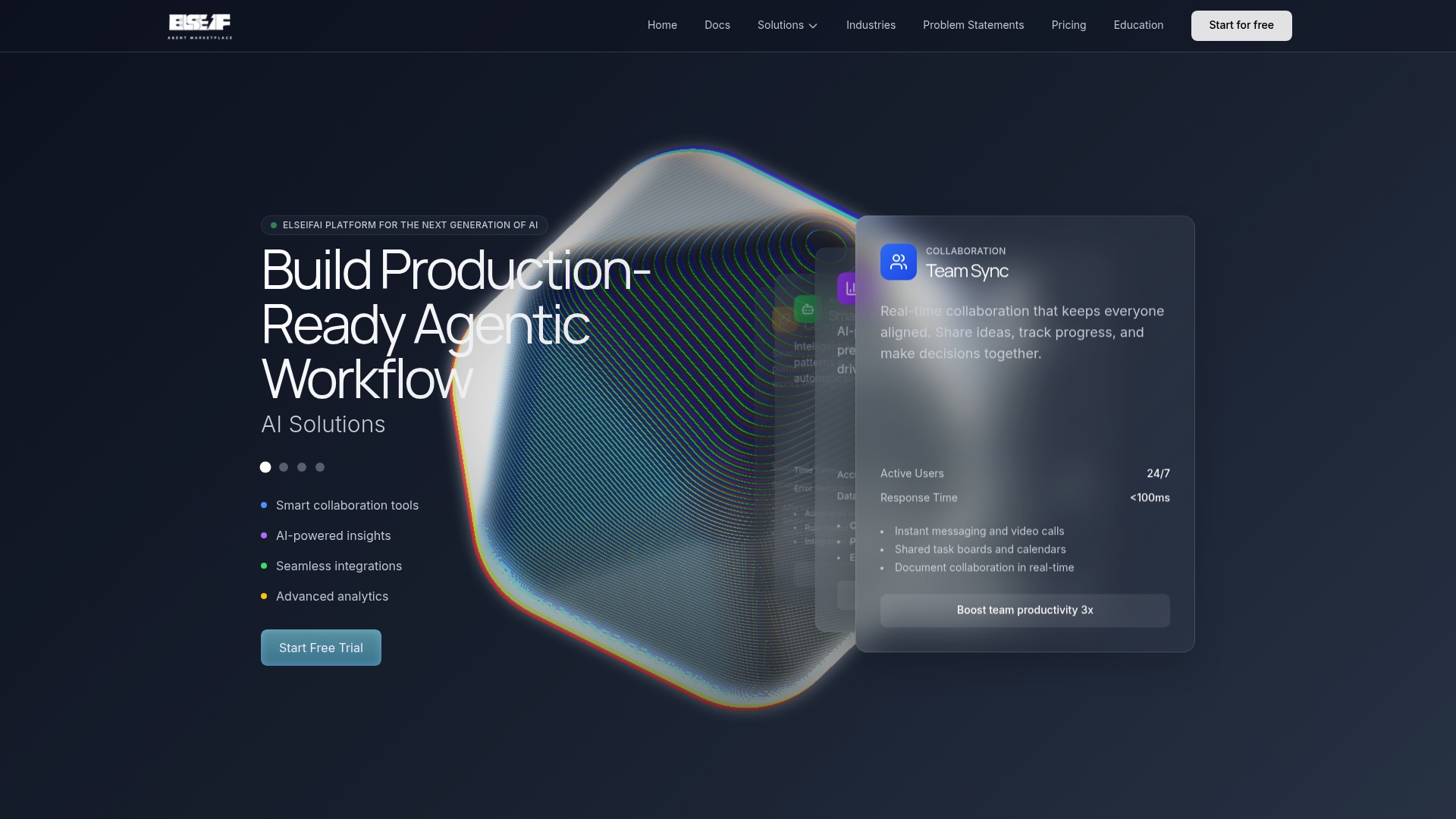
Connects to a broad catalog of large language models, including GPT-4, Claude, Gemini, and open source options. The platform pairs a visual app builder with a marketplace of templates for faster prototyping. It also emphasizes enterprise grade scalability and security for production deployments.
Core Features
ElseifAI provides a visual drag and drop interface that lets teams assemble agent workflows without writing code. It supports one click deployment with automatic scaling and CDN support, so apps go live quickly. The platform includes a template marketplace and real time collaboration tools for shared task boards and document editing.
Key Differentiator
The platform’s main advantage is the combination of a visual builder with wide model choice and instant deployment, which reduces infrastructure setup. That focus suits teams that want to move prototypes to production fast while keeping model experimentation flexible. It targets groups that prefer low code assembly and managed hosting over building custom infra.
Pros
Deep connections to many language models let you swap engines during development and testing without major rewrites. The visual builder lowers the barrier for product managers and data scientists to prototype agent flows. The template marketplace and real time collaboration speed handoffs between developers and nontechnical stakeholders.
Cons
- Relies on proprietary and third party model APIs, which can add external usage costs and occasional latency. This may increase monthly bills for heavy throughput.
- Limited documentation about offline or self hosting options suggests a cloud focused deployment model. Teams requiring full on premise control may find this limiting.
- Users unfamiliar with AI pipelines can face a learning curve despite the visual interface, and formal onboarding may be needed.
Who It's For
Teams and developers building autonomous AI agents who prefer low code assembly and managed infrastructure. Product managers and data scientists benefit when they need rapid prototypes that scale to production. Startups and enterprises both fit when they want model choice and collaboration built into the platform.
Real World Use Case
A customer service team used ElseifAI to build chat agents that query multiple internal databases and external APIs. The visual builder mapped data flows and the team deployed the agent with one click. The deployment scaled globally while the team refined prompts across different model providers.
Pricing
A free sandbox plan provides limited credits for testing. Paid Professional and Team tiers unlock higher throughput, more storage, and expanded collaboration features. Exact limits and overage terms are listed on the vendor site.
Website: https://elseif.ai
Otter.ai
At a Glance
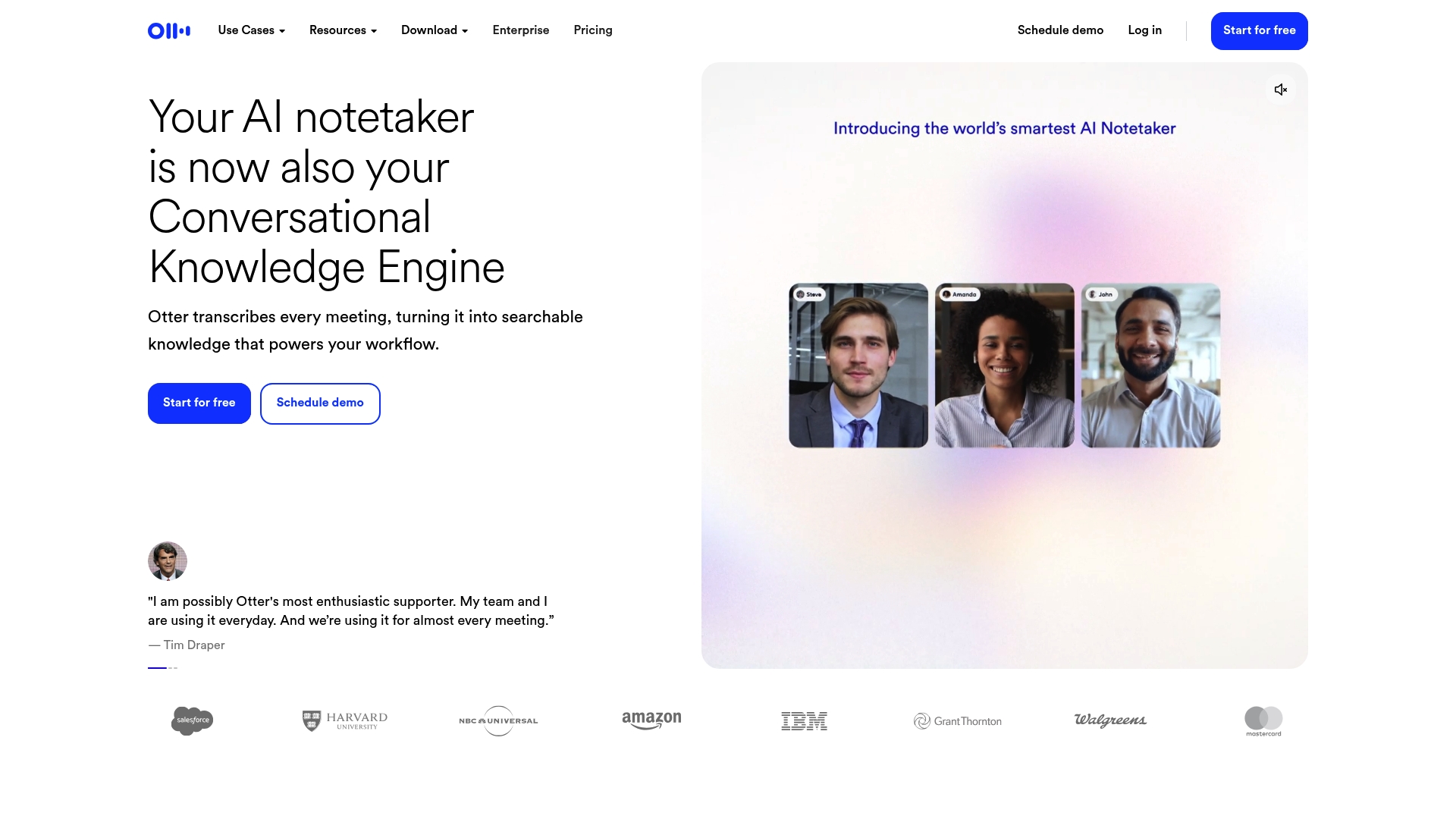
Otter.ai automatically transcribes meetings live and produces AI meeting summaries while tagging speakers. The service captures audio from desktop, mobile, and browser extensions and exports notes as MP3, TXT, or PDF. That combination reduces time spent on manual note taking and turns meetings into searchable records.
Core Features
Otter.ai delivers automated meeting summaries, live transcription in multiple languages, and speaker recognition that labels participants. It also connects to calendars and collaboration apps for automatic note sharing and supports export to common file types. These elements combine to make meeting content searchable and easier to reuse.
Key Differentiator
Otter.ai centers on live capture and concise AI summaries rather than wide workflow automation. The product focuses on turning spoken meetings into organized notes and tagged transcripts that integrate with calendar tools and CRMs. That focus makes it a specialist tool for meeting capture and follow up.
Pros
Otter.ai offers accurate, real time transcription with speaker recognition that helps teams find who said what. It includes native connections to meeting platforms and CRMs for direct syncing and sharing. Recording options span mobile, desktop, and browser, and export capabilities let teams move transcripts into storage or content pipelines. Plans include a free tier and scaled business and enterprise options, which helps small teams try the service before committing.
Cons
- Some users report transcription inaccuracies in noisy rooms or with overlapping speakers.
- Free plan minutes are limited, so heavy users will need a paid tier.
- Enterprise level features can require setup time and additional technical support.
When It May Not Fit
If your calls run over many hours per week, the free tier will run out and costs will rise. Organizations that record in busy environments may see lower accuracy and need manual cleanup. Teams that require broad workflow automation beyond meeting capture should evaluate whether a meeting first tool meets their wider needs.
Notable Integrations
Otter.ai connects directly to mainstream meeting and storage platforms to capture and archive sessions. It also links with CRM and collaboration tools for follow up and insights. The main integrations include:
- Zoom
- Google Meet
- Microsoft Teams
- Slack
- Salesforce
- HubSpot
- Dropbox
- Google Drive
Who It's For
Professionals and teams that need accurate, searchable records of conversations will get the most value. Educators who want lecture notes and media producers who convert interviews to content will benefit. Recruiting and sales teams that export transcripts into CRMs will find the linking and tagging features useful.
Real World Use Case
A sales team uses Otter.ai to transcribe client calls and generate follow up drafts. The transcripts feed highlight notes into the team CRM and export as PDFs for account owners. That removes hours of manual note taking and speeds lead follow up.
Pricing
Otter.ai offers a free tier for basic use. Paid Pro and Business options are available, with custom pricing for Enterprise. Volume and enterprise support options require contacting sales for exact terms.
Website: https://otter.ai
Fireflies.ai
At a Glance
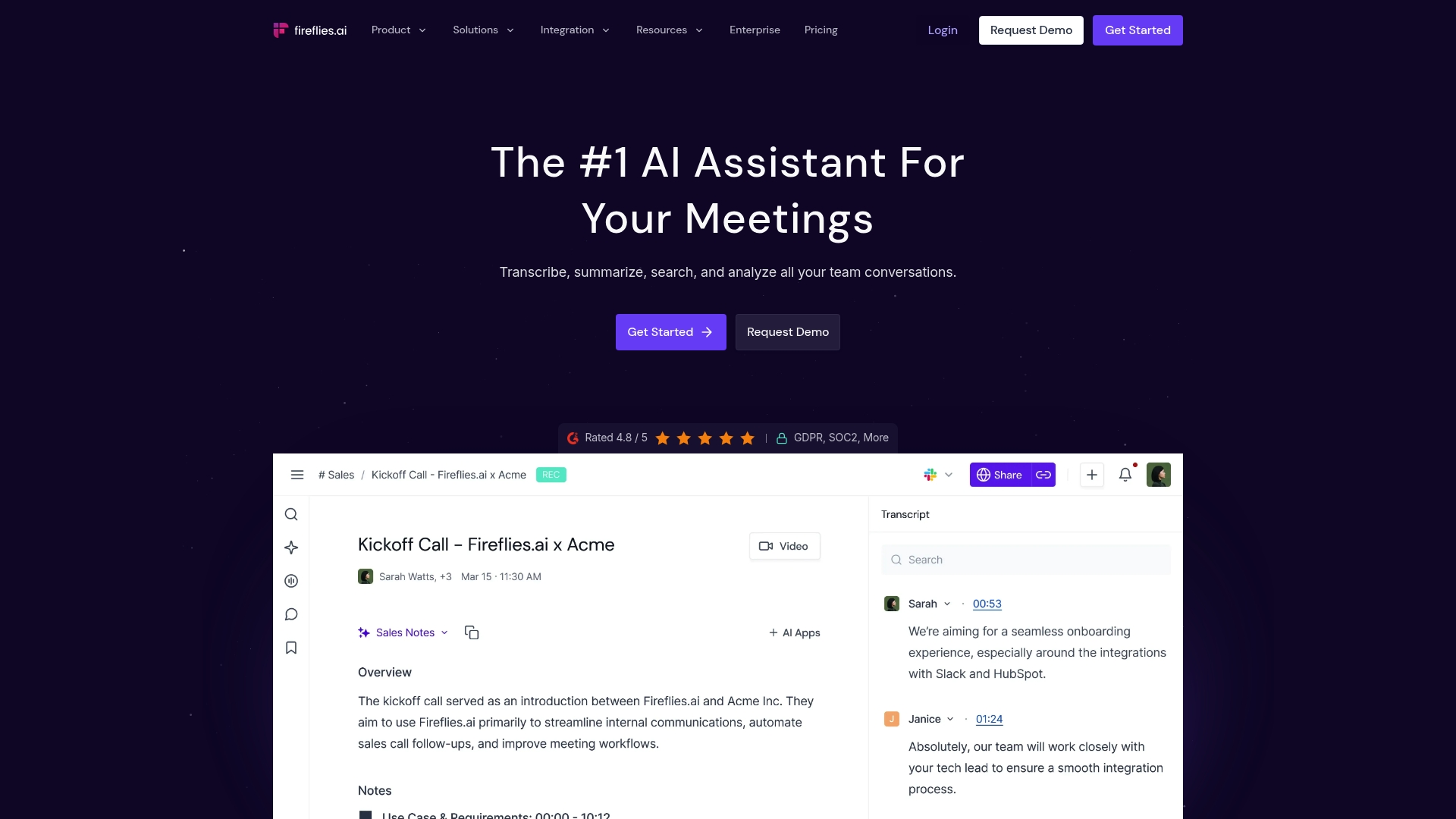
Fireflies.ai reports 95% transcription accuracy. The company also advertises that more than a million companies use the platform. It combines live transcription, AI summaries, and conversation analytics for meeting-heavy teams with compliance needs.
Core Features
Transcription covers 100+ languages with speaker recognition and auto-language detection, and it offers real-time transcription and live notes for active meetings. The platform generates AI summaries, action items, and searchable transcripts, while conversation analytics include sentiment, talk time, and topic filters.
Key Differentiator
The vendor states the product pairs that accuracy claim with SOC2 and GDPR compliance and support for healthcare privacy regulations, which targets regulated teams. Compared with unified interfaces like Skopx, Fireflies.ai focuses narrowly on capturing meetings and turning conversations into searchable records.
Pros
That accuracy claim makes transcripts more reliable for handoffs and audit trails, and speaker recognition reduces manual cleanup. Multilanguage support and live notes let distributed teams follow meetings in real time. Broad conferencing and productivity tool connections and the stated security posture help keep sensitive meeting data under organizational control.
Cons
-
Premium features such as video recording, AI skills, and advanced analytics sit behind higher-tier plans, which raises costs for small teams.
-
Some integrations and advanced capabilities require technical setup or developer work to configure.
-
Third-party reviews note limits around customization and fine-grained data control for very large enterprises.
When It May Not Fit
Small startups on a tight budget will feel the cost pressure when premium features are needed. Teams that need a single AI interface to query data across dozens of apps will prefer a different tool. Organizations requiring deep customization of transcription workflows may face platform limits at scale.
Notable Integrations
-
Zoom
-
Google Meet
-
Microsoft Teams
-
Slack
-
Salesforce
-
HubSpot
-
Asana
-
Trello
Who It's For
Teams and organizations that run frequent client or internal meetings and need accurate transcripts and summaries will get the most value. Compliance-minded departments in healthcare or regulated industries benefit from the stated security and privacy controls. Product and sales teams will find searchable meeting records useful for follow-up and knowledge sharing.
Real World Use Case
A sales team records client calls to capture commitments and next steps. Fireflies.ai transcribes meetings, flags action items, and makes every call searchable so account owners pull quotes and follow-ups without replaying recordings.
Pricing
There is a free tier with limited features. Paid plans are priced per seat per month when billed annually, and larger team and enterprise pricing is available on request.
Website: https://fireflies.ai
Avoma
At a Glance
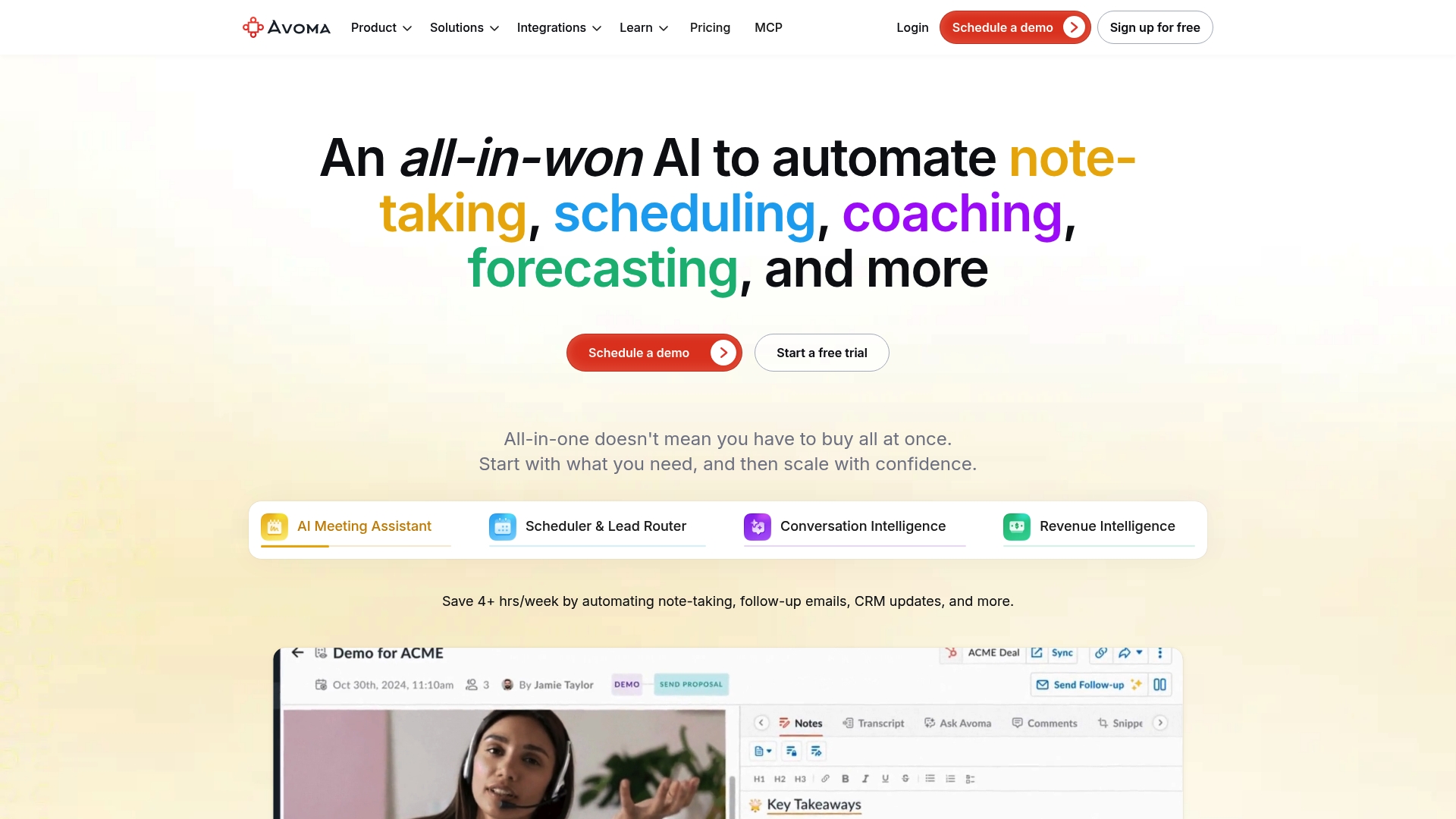
Avoma's marketing materials list per-user monthly pricing for the basic AI Meeting Assistant. The platform combines meeting capture, coaching, scheduling, and revenue analysis into one product. It targets revenue and customer success teams that need meeting notes, call scoring, and deal insights in one place.
Core Features
Avoma records and transcribes calls with an AI Meeting Assistant that creates summaries and pushes CRM updates automatically. The product includes a Scheduler & Lead Router for booking and routing, and Conversation Intelligence for call scoring, talk-pattern metrics, and coaching prompts. The Agentic Platform exposes APIs for integrations and third party agent workflows.
Key Differentiator
Avoma groups meeting automation, conversation analytics, and revenue intelligence inside a single package. That grouping reduces the number of separate tools teams must stitch together. The vendor positions the product to handle meeting capture through forecast and pipeline analysis in one workflow. That integrated approach suits teams that want meeting context to flow directly into sales and success processes.
Pros
Avoma covers multiple revenue functions in one product, which makes it easier to keep notes, coaching, and forecasting aligned. The modular plans let teams try meeting automation first and add revenue or conversation intelligence later. Automation reduces manual CRM work by pushing transcripts and summaries into records. The platform supports many conferencing and CRM connectors, which helps teams keep existing tools.
Cons
- Buyer reviews indicate some features require a learning curve and feel immature in early releases.
- The pricing structure has many tiers and add ons, which can complicate purchase decisions.
- Admin configuration can take time to tune call scoring and coaching rules for a specific sales process.
When It May Not Fit
Teams on a tight budget who need a single, predictable seat price may struggle with the multiple tiers and add ons. Small teams that only want basic transcription and no analytics will likely find the full feature set more than they need. Organizations that avoid any platform with a steep initial configuration should consider simpler meeting recorders instead.
Notable Integrations
Avoma connects to common conferencing and CRM systems used by revenue teams:
- Zoom
- Google Meet
- Microsoft Teams
- Salesforce
- HubSpot
- Pipedrive
- Copper
- Zendesk Sell
Who It's For
Revenue teams, sales leaders, customer success managers, and revenue operations professionals who want meeting capture tied directly to deal and coaching workflows will find value. Teams that plan to add coaching and forecasting features over time benefit from the modular plans. Organizations with existing CRMs and conferencing tools will appreciate the wide connector set.
Real World Use Case
A sales team uses Avoma to record and transcribe discovery calls, generate concise meeting summaries, and log key contact details to the CRM automatically. Coaches review call scores and highlight training moments for new reps. The result shortens ramp time and surfaces coaching opportunities without manual note taking.
Pricing
Avoma's marketing materials state the entry tier covers the basic meeting assistant. Higher tiers add conversation intelligence, revenue analytics, and enterprise controls. Free trials are available across plans so teams can test features before committing.
Website: https://avoma.com
Comparison of alternatives
Skopx excels by offering transparency and control over AI resource consumption via direct API billing. Its unique approach allows finance teams to reconcile billing effectively, paired with multi-tool integrations for operational utility. While competitors like ElseifAI and Fireflies.ai demonstrate strengths in rapid prototyping and meeting analytics respectively, Skopx's transparent billing remains for organizations aiming to manage AI-related costs intelligently.
Extensibility Versus Workflow Transparency
ElseifAI brings unique adaptability to workflows through its visual app builder and extensive integration with multiple language models like GPT-4 and Claude. This platform empowers users to rapidly prototype and deploy agents without complex coding, a critical advantage for developers and technical teams scaling operations dynamically. However, its reliance on third-party APIs introduces potential latency and unpredictable external costs, making it less suited for budget-conscious entities.
Meeting Analytics and Compliance Needs
Fireflies.ai focuses on delivering accurate transcription and meeting analytics. Features such as sentiment analysis, language detection, and action item identification make it ideal for compliance-focused and meeting-heavy environments. Yet, its premium tiers consolidate necessary functionalities behind paywalls, limiting accessibility for smaller teams or startups looking for cost-efficiency.
Best fit
- Teams requiring cross-tool automations alongside control over AI-related expenses should prioritize Skopx for its transparent billing system and operational integrations.
- Development groups seeking rapid prototyping and diverse model applicability will benefit most from ElseifAI for its visual workflow tools and integration breadth.
- Organizations emphasizing critical meeting insights and compliance protocols are likely to select Fireflies.ai for its accurate transcription and security features.
- Sales-driven teams aiming to centralize meeting capture and revenue analytics will find Avoma's multi-tiered integration package advantageous.
- Small teams exploring introductory AI task automation may lean toward Skynet Workspace's accessible Pro subscription and task synthesis capabilities.
Our pick
Skopx remains the recommended solution for teams seeking efficient workflow integration and detailed control over AI-related resource consumption. Its bring-your-own-key billing mechanism enables organizations to accurately track and manage service expenditures. For groups with minimal such concerns or aiming for rapid prototyping features, competitors such as ElseifAI offer compelling alternatives.
Skopx offers unique cost transparency and cross-tool action capabilities, making it an excellent choice for teams integrating multiple SaaS platforms seamlessly.
| Product Name | Core Feature | Key Differentiator | Pricing | Notable Limitation |
|---|---|---|---|---|
| Skopx | Plain English cross-app workflows | Zero-markup billing with source-backed insights | $5/user/month; $16/seat/month with 2.3M AI tokens included | Limited offline and on-premise deployment options |
| Skynet Workspace | Combined AI tools in one platform | Unified AI operations | Free; Pro subscription | Complex interface for casual or nontechnical users |
| ElseifAI | Low-code visual builder for agent workflows | Versatile model switching and one-click deployment | Paid annual tiers | Reliance on third-party APIs increases usage costs |
| Otter.ai | Live meeting transcription and summaries | Real-time transcription with CRM integration | Free; Pro subscription | Accuracy issues in noisy or overlapping speech environments |
| Fireflies.ai | Meeting transcription with AI insights | High transcription accuracy with compliance focus | Free; paid per-seat plans | Premium features require higher-tier plans |
| Avoma | Meeting capture with analytics and coaching | Integrated revenue and conversation intelligence | Per-user paid plans | Multiple pricing tiers complicate purchase decisions |
How Can Teams Manage Multiple Tools Without Losing Efficiency?
Many teams face challenges juggling data and tasks across numerous SaaS platforms. The article highlights that product, operations, and analytics teams need an AI tool that lets them query data in plain English while controlling AI costs. Skopx answers that need by uniting nearly 1,000 integrations into one conversational interface. Users can ask questions, trigger workflows, and receive alerts without complex setups or costly surprises.
Skopx offers full cost transparency through bring-your-own-key billing and lets teams automate routine reports and actions from a single platform. For teams seeking karax.ai alternatives that prioritize ease of use, cost control, and cross-tool workflows, Skopx stands out. Learn more at Skopx to see how you can connect your apps today and start automating your daily briefs and alerts.
FAQ
How does Skopx achieve cost control for organizations?
Skopx allows organizations to maintain cost control: Team plans include 2.3 million AI tokens per seat every month, and teams can add tokens or bring their own API keys as overflow. Both routes carry zero markup on AI calls, promoting full cost transparency and enabling teams to manage their budgets effectively.
What is the difference between Skopx and Fireflies.ai in terms of features?
Fireflies.ai boasts a high transcription accuracy claim of 95%, making it an excellent choice for meeting-heavy teams focused on accurate note-taking. Skopx, on the other hand, offers a single interface for combined data analysis and operational actions across various SaaS tools.
Which platform provides automated alerts for data anomalies?
Skopx generates automated briefs and alerts to notify teams of data anomalies, helping them manage operational tasks without manual monitoring. This feature ensures that organizations stay informed about critical issues that may require immediate action.
Can Skopx act on data from multiple SaaS systems?
Yes, Skopx links multiple SaaS systems to run cross-tool workflows, allowing teams to send emails, update tickets, and populate documentation from a single interface. This feature streamlines operational processes for users managing multiple platforms.
How does Skopx compare to other AI agents in terms of integration capabilities?
Skopx supports nearly 1,000 live integrations, connecting tools like Gmail, Slack, and Salesforce into a cohesive workflow. This extensive integration capability makes it easier for teams to operate efficiently without switching between apps.
Recommended
Skopx Team
The Skopx engineering and product team