Types of Actionable Analytics Outputs: A Business Guide
Actionable analytics outputs are defined as data products that directly inform a specific decision, trigger a workflow, or recommend a next step. The four primary types are descriptive, diagnostic, predictive, and prescriptive. Each level increases in complexity and value, moving from passive historical summaries to direct, decision-oriented recommendations. Business analysts who understand this framework stop reporting on data and start driving outcomes. A truly effective output must name a specific decision-maker, arrive within the decision window, and include a recommended next step.
1. What are the types of actionable analytics outputs?
The four types of actionable analytics outputs answer four distinct business questions. Descriptive outputs answer "What happened?" Diagnostic outputs answer "Why did it happen?" Predictive outputs answer "What might happen?" Prescriptive outputs answer "What should we do?" Each type builds on the previous one, and together they form a complete framework for data-driven decision-making.
The framework matters because most organizations stop at descriptive. They produce dashboards, share reports, and call it analytics. The real value starts at diagnostic and compounds through prescriptive. Skopx connects with nearly 1,000 integrations to deliver all four output types from a single interface, which removes the tool-switching that typically breaks the chain between insight and action.

2. Descriptive analytics outputs: what happened and why it matters
Descriptive analytics outputs include dashboards, scorecards, and period comparisons that show what happened across a defined time frame. They carry the lowest actionability level of the four types. Their value is foundational: without an accurate picture of the past, every downstream analysis starts on shaky ground.
Common descriptive output formats include:
- Dashboards: Real-time or near-real-time visual summaries of KPIs across departments
- Scorecards: Performance snapshots measured against predefined targets
- Period comparison reports: Month-over-month or year-over-year trend views
- Summary tables: Aggregated metrics like total revenue, units sold, or support tickets closed
The limitation of descriptive outputs is that they tell you what happened without explaining why or what to do next. A sales dashboard showing a 12% revenue drop in March is useful context. It is not, by itself, an analytics output examples that drives action.
Pro Tip: Design descriptive dashboards around three to five KPIs that tie directly to a business goal. Analysts who pack 20 metrics onto one screen create noise, not clarity. Link every KPI to a business outcome, such as reducing customer acquisition cost or improving net revenue retention.
Effective reporting ties metrics to real-world business goals rather than vanity numbers. KPIs like ROAS, CPA, and lifetime value-to-CAC ratio belong on your descriptive outputs. Page views and raw session counts rarely do.
3. How diagnostic analytics outputs reveal root causes
Diagnostic analytics outputs provide root-cause views, drill-down paths, and cohort analyses that answer why something happened. They carry medium to high actionability because they connect outcomes to causes, giving analysts a specific problem to address.
Typical diagnostic output formats include:
- Drill-down reports: Hierarchical views that let analysts move from summary to detail in one click
- Cohort analysis: Grouping users or customers by a shared attribute to compare behavior over time
- Root-cause views: Structured breakdowns that isolate the variable most responsible for an outcome
- Funnel analysis: Stage-by-stage conversion data that shows exactly where drop-off occurs
A diagnostic output does not just show that churn increased in Q2. It shows that churn increased among customers who never completed onboarding, in accounts with fewer than three active users, and in the mid-market segment. That specificity turns a general concern into a targeted intervention.
Pro Tip: Build drill-down paths directly into your descriptive dashboards. When a KPI moves outside its target range, analysts should be able to click through to the diagnostic layer without switching tools. This layered structure cuts investigation time significantly.
Connecting diagnostic metrics to business goals is the step most teams skip. A cohort analysis showing a 40% drop in feature adoption is only useful if it maps to a metric the business cares about, such as expansion revenue or renewal rate.
4. The role of predictive analytics outputs in forecasting
Predictive analytics outputs include forecasts, probability scores, and scenario models that answer what might happen. They carry medium actionability because they inform preparation rather than prescribe a specific action.
Common predictive output formats include:
- Sales forecasts: Revenue projections based on pipeline data, historical trends, and seasonal patterns
- Churn probability scores: Customer-level risk ratings generated by machine learning models
- Risk assessments: Likelihood scores for operational, financial, or compliance events
- Demand forecasts: Inventory and staffing projections based on historical demand signals
- Scenario models: "What if" simulations that show outcomes under different assumptions
Predictive outputs require trustworthy statistical models and sufficient historical data to produce reliable results. A churn model trained on six months of data from a single customer segment will produce misleading scores when applied to the full customer base. Context and data quality determine whether a predictive output is genuinely useful or just a confident-looking number.
The practical value of predictive outputs is in shifting teams from reactive to proactive. A sales team that sees a forecast showing a $2M pipeline gap in Q3 can act in June rather than scrambling in September. That timing difference is where predictive analytics creates measurable operational efficiency.
Pro Tip: Always display confidence intervals alongside predictive outputs. A forecast showing $4.2M in revenue means very little without knowing whether the realistic range is $3.8M–$4.6M or $2.1M–$6.3M. Confidence ranges force better decisions.
5. Prescriptive analytics outputs: what should be done
Prescriptive analytics outputs recommend specific actions and optimized plans, answering what should be done. They carry the highest actionability level of all four types. A prescriptive output does not just show a problem or predict a risk. It tells a named decision-maker exactly what to do, when to do it, and what outcome to expect.
Effective prescriptive output formats include:
- Recommended action cards: Specific next steps assigned to a named owner with a deadline
- Optimized business plans: Resource allocation recommendations generated from scenario analysis
- Scenario simulations: Side-by-side outcome comparisons for two or more strategic options
- Automated triggers: Rules-based or AI-driven actions that execute without human input
- Implementation playbooks: Step-by-step guides that embed prescriptive recommendations into repeatable workflows
A truly actionable output must name a specific decision-maker, reach them within the decision window, provide sufficient context, and include a recommended next step. A funnel analysis output that includes stage counts, conversion rates per segment, and drop-off nodes in a structured format enables automated execution. That is the difference between a report and a prescriptive output.
Insights create real value only when they drive repeatable operations and integrate with automation. Using implementation playbooks and automating adjustments like email send times or lead scoring removes human lag from the decision cycle. That lag is where most analytics value gets lost.
Pro Tip: Design prescriptive outputs to fit inside existing operational workflows rather than requiring analysts to consult a separate report. When a recommendation appears inside the tool where the action happens, adoption rates increase and decision lag drops.
6. Comparing the four types: when to use each
Choosing the right output type depends on the business question, the urgency of the decision, and the maturity of your data infrastructure.
| Analytics type | Business question | Actionability | Typical outputs | Best use case |
|---|---|---|---|---|
| Descriptive | What happened? | Low | Dashboards, scorecards, reports | Performance monitoring, executive reporting |
| Diagnostic | Why did it happen? | Medium to high | Drill-downs, cohort analysis, root-cause views | Investigating KPI changes, customer behavior analysis |
| Predictive | What might happen? | Medium | Forecasts, risk scores, scenario models | Pipeline planning, churn prevention, demand planning |
| Prescriptive | What should we do? | Highest | Recommended actions, playbooks, automated triggers | Operational decisions, resource allocation, campaign optimization |
Most organizations benefit from running all four types simultaneously rather than choosing one. Descriptive outputs set the baseline. Diagnostic outputs explain deviations. Predictive outputs flag emerging risks. Prescriptive outputs close the loop with a specific action. The combination is what turns raw data into decisions rather than just information.
The technology maturity required increases significantly from descriptive to prescriptive. Descriptive outputs need clean data and a visualization layer. Prescriptive outputs require reliable actionable outputs built on a clean, unified data context layer before any AI or analytics tool is applied. Without that foundation, prescriptive recommendations are unreliable regardless of how sophisticated the model is.
Organizations applying prescriptive analytics in technology startup environments often find that building the data foundation first produces faster returns than jumping straight to AI-generated recommendations.
Key takeaways
The most effective analytics strategy combines all four output types, because each type answers a different business question and drives a different level of decision-making.
| Point | Details |
|---|---|
| Four output types form a complete framework | Descriptive, diagnostic, predictive, and prescriptive outputs each serve a distinct decision-making purpose. |
| Actionability increases with complexity | Prescriptive outputs carry the highest actionability; descriptive outputs provide essential context but require follow-on analysis. |
| Data foundation determines output quality | Clean, unified data must exist before applying AI or analytics tools for reliable prescriptive recommendations. |
| Prescriptive outputs need named owners | Effective prescriptive outputs assign a specific decision-maker, a deadline, and a recommended next step. |
| Automation removes decision lag | Integrating outputs into repeatable workflows and automated triggers is where analytics creates measurable operational value. |
The real gap in most analytics programs
Most analytics programs I have seen fail at the same point. They produce excellent descriptive outputs and reasonable diagnostic reports, then stop. The predictive and prescriptive layers never get built because the data foundation is not clean enough to support them.
Without identity resolution, data shows only aggregate patterns. You see that churn increased, but you cannot act on a specific account because the data does not connect to a named stakeholder. Persistent IDs linked to stakeholders at first contact are not a technical nicety. They are the prerequisite for any output that claims to be prescriptive.
The other pattern I see consistently is fragmented exports. Teams pull data from five tools, reconcile it in a spreadsheet, and call the result an analytics output. That process produces descriptive summaries at best. It cannot produce reliable predictive or prescriptive outputs because the data context is broken before the analysis even starts.
The organizations that get the most value from analytics are the ones that treat the data layer as infrastructure, not as a project. They build a clean, unified context layer first, then apply analytics on top of it. The outputs that come from that foundation are trustworthy enough to automate. That is where the real efficiency gains live.
Skopx Team
How Skopx delivers all four output types from one interface
Skopx connects with nearly 1,000 integrations to give business analysts a single interface for querying data and executing actions across all four analytics output types.
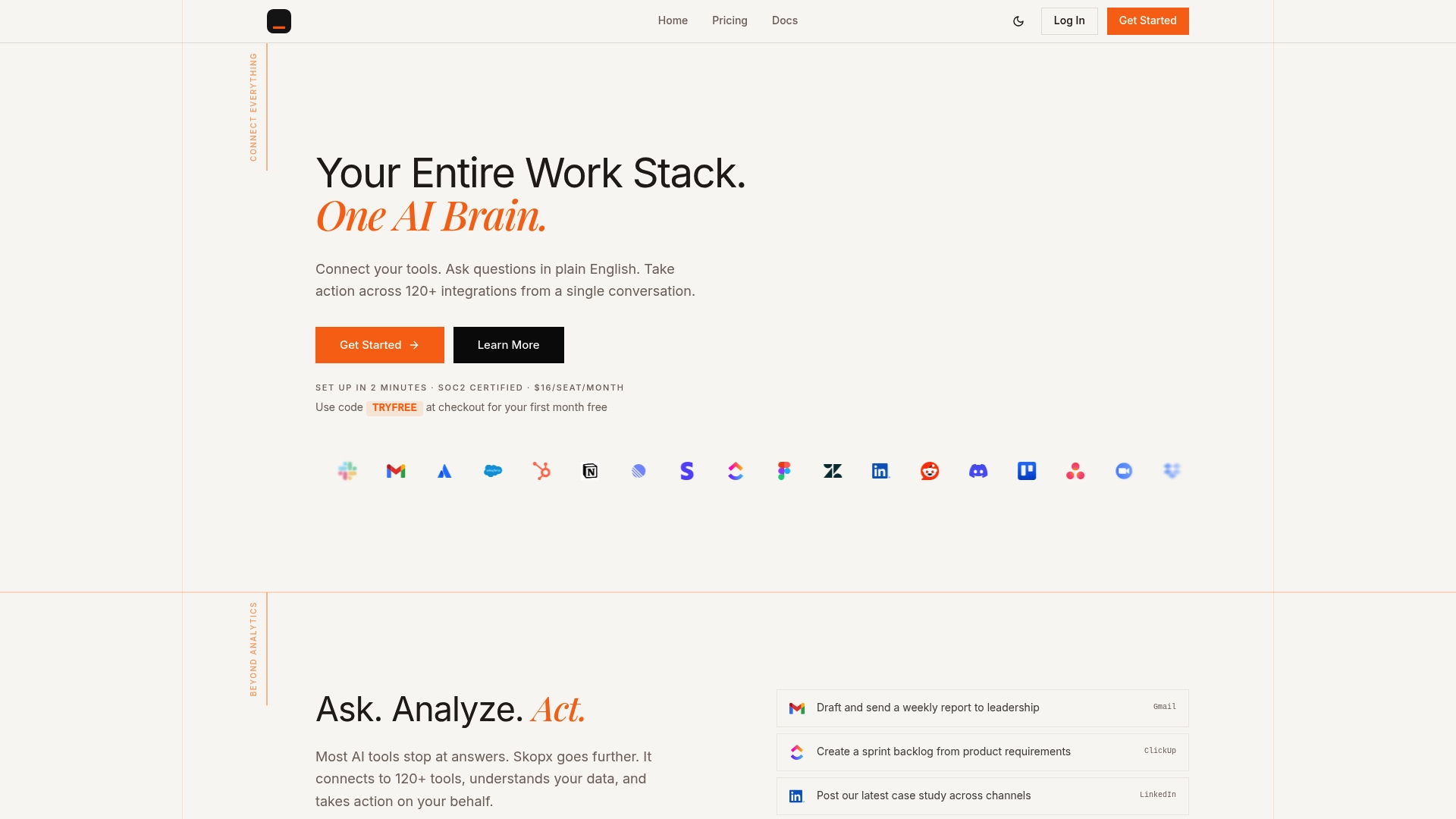
The Skopx AI Data Agent automates data analysis across your connected tools, delivering clean, contextualized outputs without requiring analysts to switch between platforms. Skopx ensures the data context layer is unified before analysis runs, so prescriptive outputs arrive grounded in every connected source rather than a single silo. See how the Skopx platform connects your data to decisions in real time.
FAQ
What are the four types of actionable analytics outputs?
The four types are descriptive, diagnostic, predictive, and prescriptive. Each answers a different business question and carries a progressively higher level of actionability.
What makes an analytics output truly actionable?
A truly actionable output names a specific decision-maker, arrives within the decision window, provides sufficient context, and includes a recommended next step. Outputs that lack these elements inform but do not drive action.
When should you use predictive vs. prescriptive analytics?
Use predictive analytics when you need to anticipate a future outcome and prepare for it. Use prescriptive analytics when you need a specific recommendation on what to do about that outcome.
Why do most organizations stop at descriptive analytics?
Most organizations stop at descriptive analytics because their data foundation is not clean or unified enough to support diagnostic, predictive, or prescriptive outputs reliably. Building a unified data context layer is the prerequisite for advancing to higher output types.
How does automation connect to prescriptive analytics outputs?
Prescriptive outputs create the most value when they trigger automated workflows rather than requiring manual follow-up. Automating adjustments like lead scoring or campaign parameters based on prescriptive recommendations removes human lag from the decision cycle.
Recommended
Skopx Team
The Skopx engineering and product team